
Gelato Synth · for iPhone
A synth you can play in five seconds
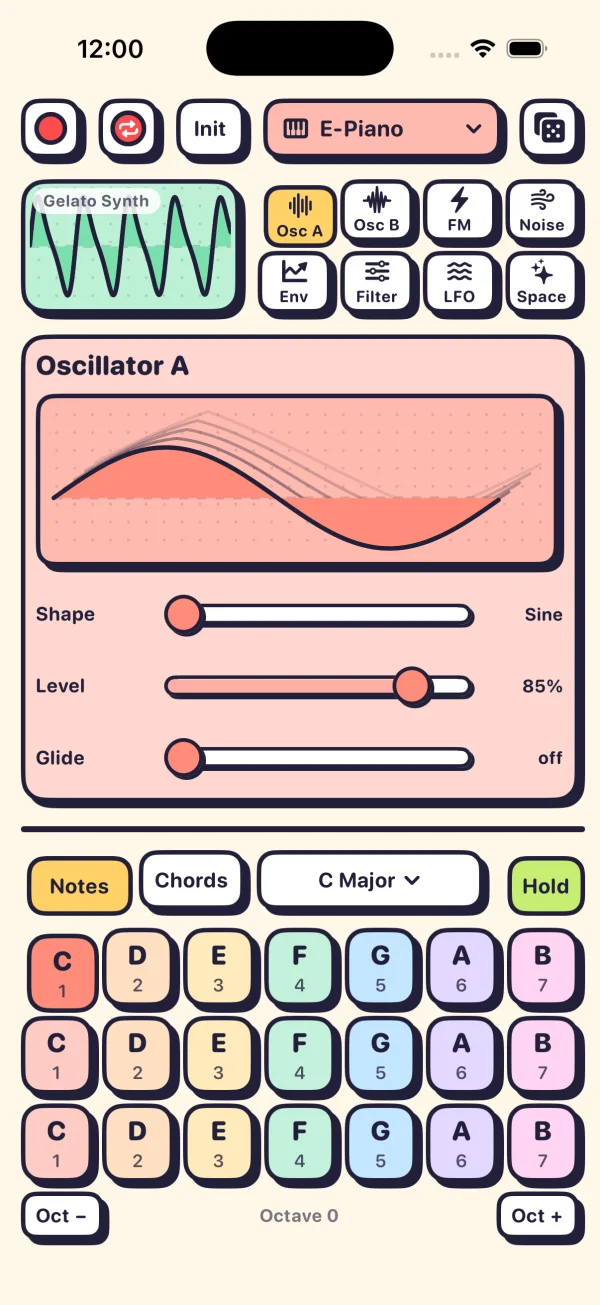
Gelato Synth is a real FM synthesizer with every scary part sanded off. The pads only play notes in your key, every control is a fat slider, and a scope shows the wave you are hearing.
Free to play. $4.99 once for the full library. No ads, no account.
Notes mode
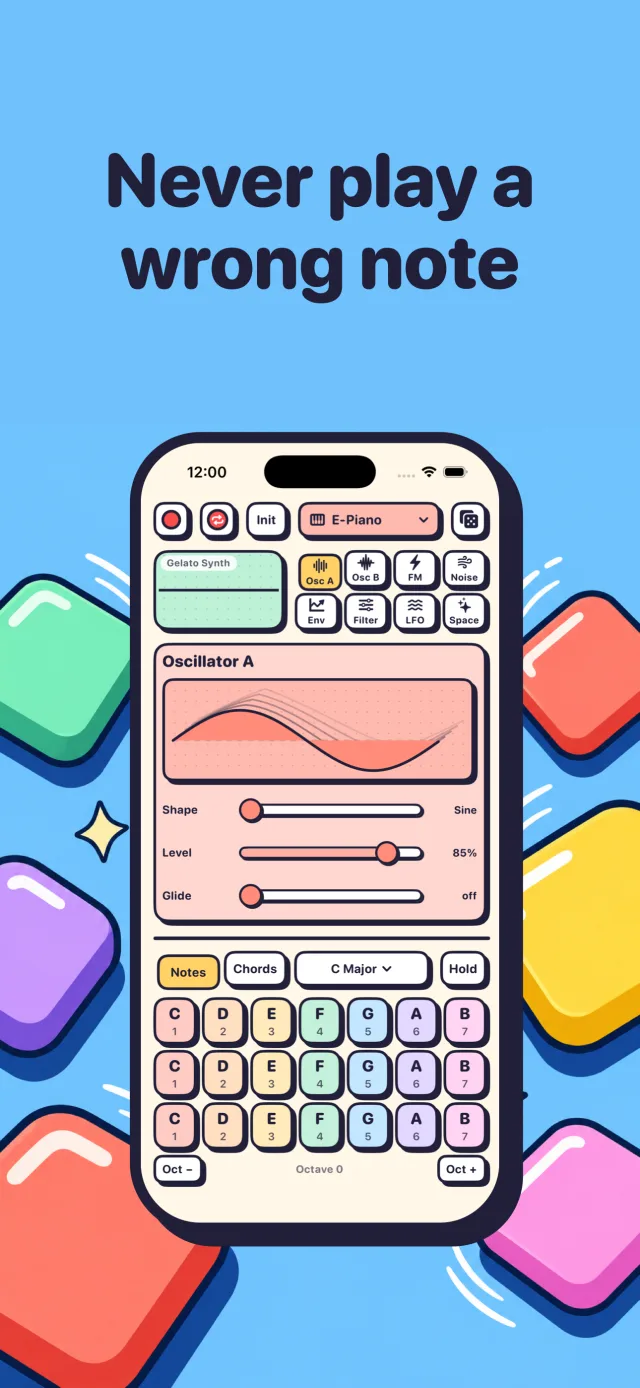
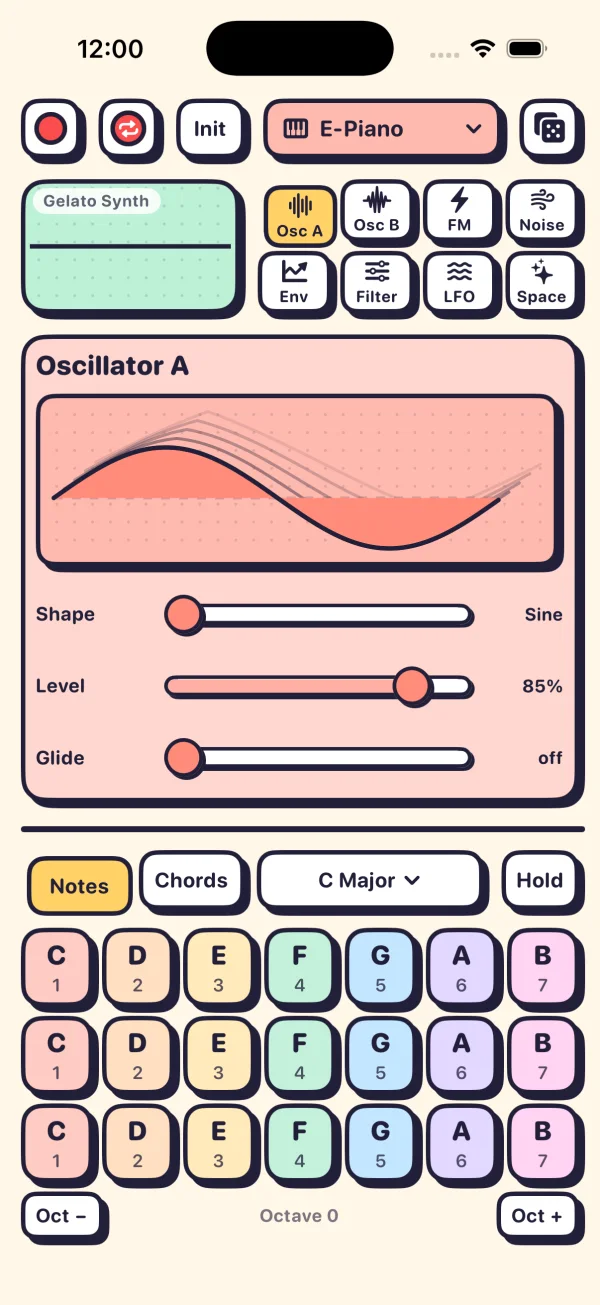
Every pad is already in key
Pick a root and a scale and the pads rebuild themselves: one pad per note, three rows for three octaves. The same step of the scale is always the same color, so your eyes learn the scale while your ears do.
Nine scales to choose from: major, minor, both pentatonics, blues, dorian, mixolydian, lydian and harmonic minor. Press several pads at once to build your own chords, or slide a finger across them to glide.
Curious what's in a key? See the chords in all 24 keys.
Eight pages, one idea each
Real synthesis on big sliders
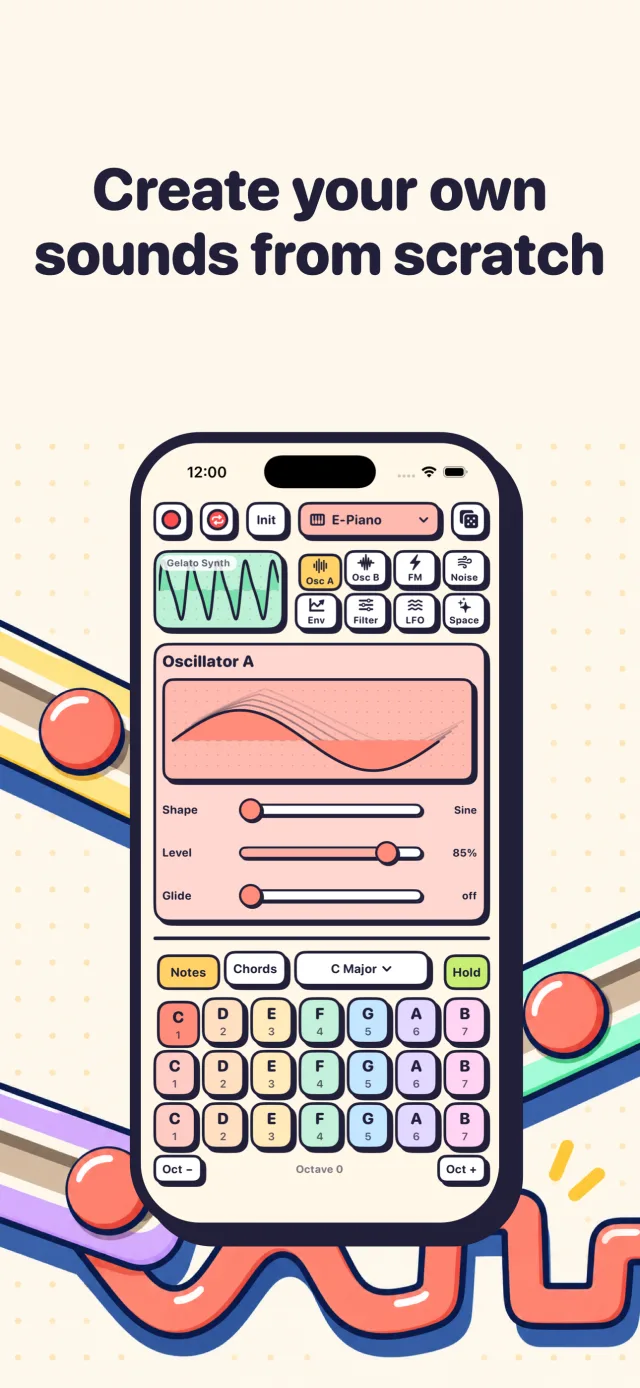
Under the friendly paint it is a proper two-oscillator FM synth. Each page shows one part of the sound, so you learn what an envelope or a filter does by hearing it change.
- Osc A
- Shape morphs from sine to triangle, saw, square and pulse. Level, and Glide for slides between notes.
- Osc B
- A second wave at a Ratio from x0.5 to x8, Detune up to 50 cents, and Chorus to widen it.
- FM
- How hard Osc B bends Osc A. Envelope to FM makes the attack bright and the tail pure, the classic electric piano trick.
- Noise
- Breath, hiss, and Burst: a short click of noise at the start of a note for picks and mallets.
- Env
- Attack, Decay, Sustain and Release on four upright faders, plus Punch, a fast pitch drop for kicks and zaps.
- Filter
- Low, band or high pass, Cutoff, Resonance, Drive for grit, and how much the envelope opens it.
- LFO
- One LFO that wobbles pitch, filter, FM, shape or volume, with an animated preview.
- Space
- Echo with its own time, and a reverb with Size and Decay.
Chords mode
Whole chords under one finger
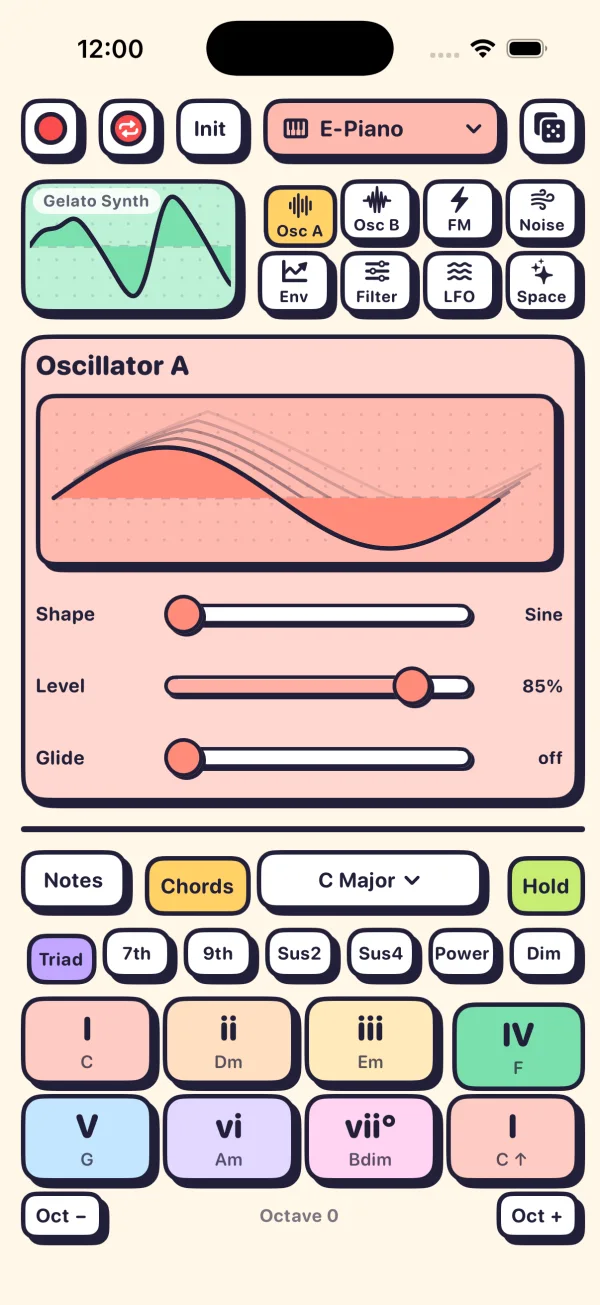
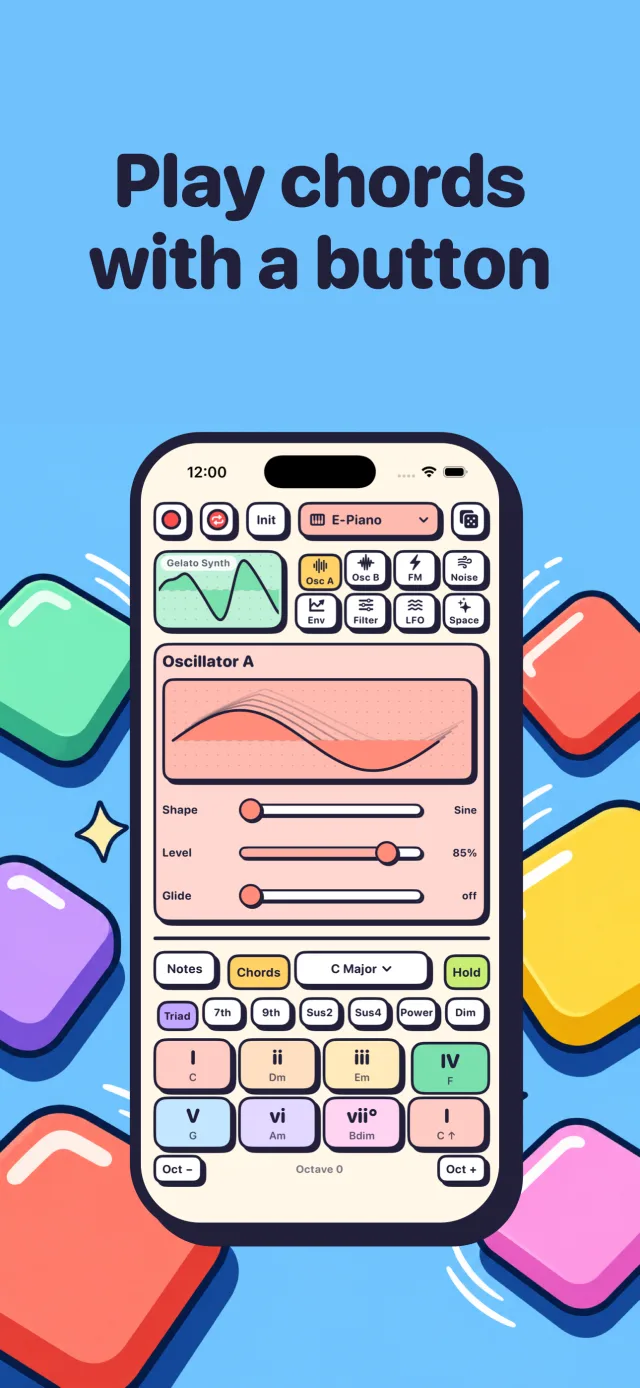
Switch to Chords and the pads become the seven chords of your key, plus the home chord an octave up. Each pad shows its Roman numeral and its name, so after an afternoon you will know that a IV chord in C is F.
One row changes every chord at once: Triad, 7th, 9th, Sus2, Sus4, Power or Dim. Try the same progression as triads and then as 9ths and hear it go from campfire to lounge.
No iPhone nearby? Play chord pads in your browser.
Record and loop
Catch the idea before it leaves
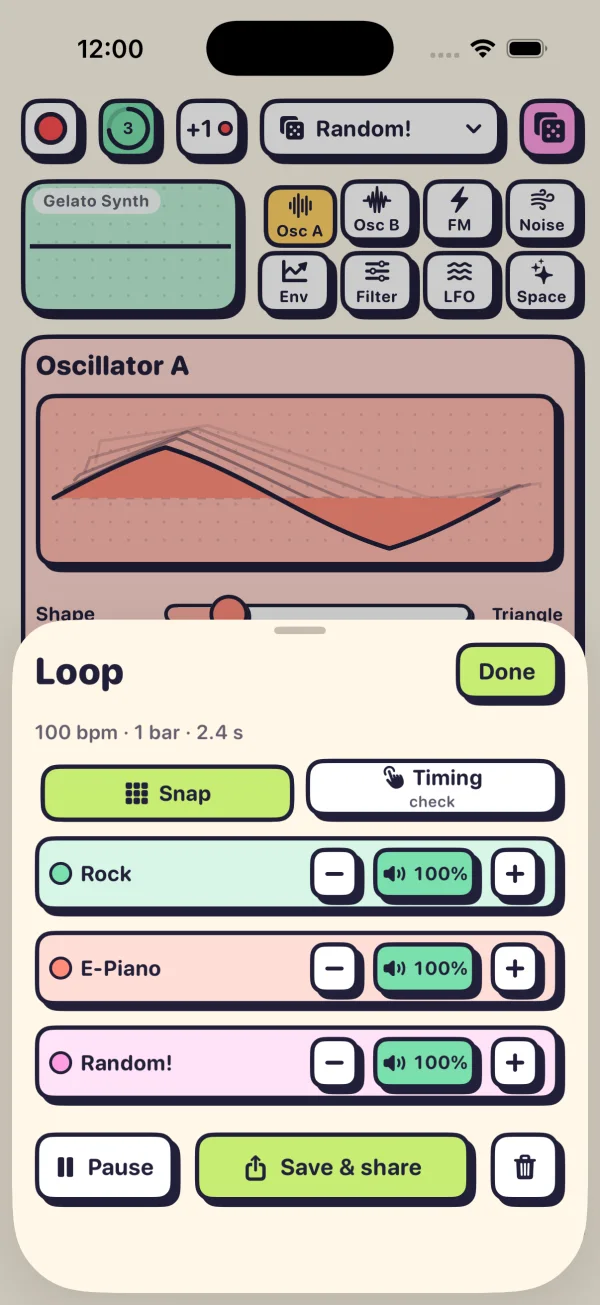
The red button records everything you hear, echo and reverb included, and hands you the file to share. It also lands in the Files app.
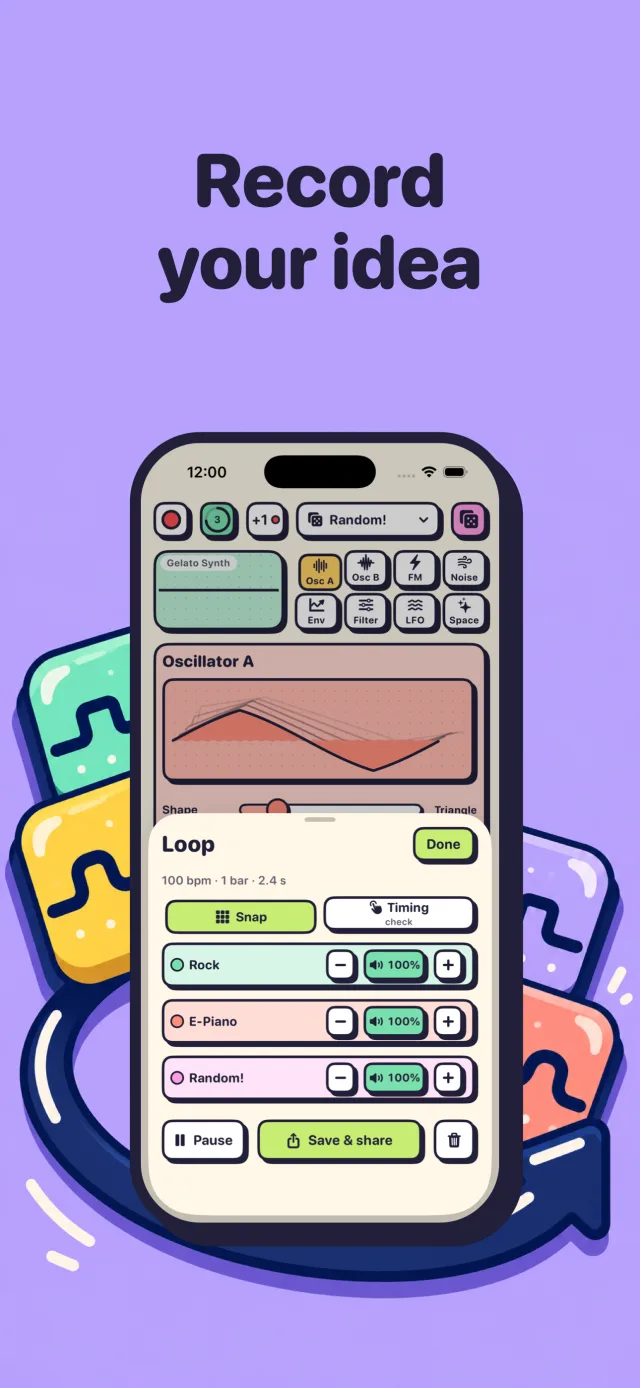
For bigger ideas, open the looper. Pick a tempo, a length and a beat (Click, Rock, Hip Hop or Dance), play over one bar of count-in, then tap +1 and add another layer with a different sound. Up to eight layers, each one mutable, and the whole mix saves as a file.
52 sounds
Start from a sound, end with yours
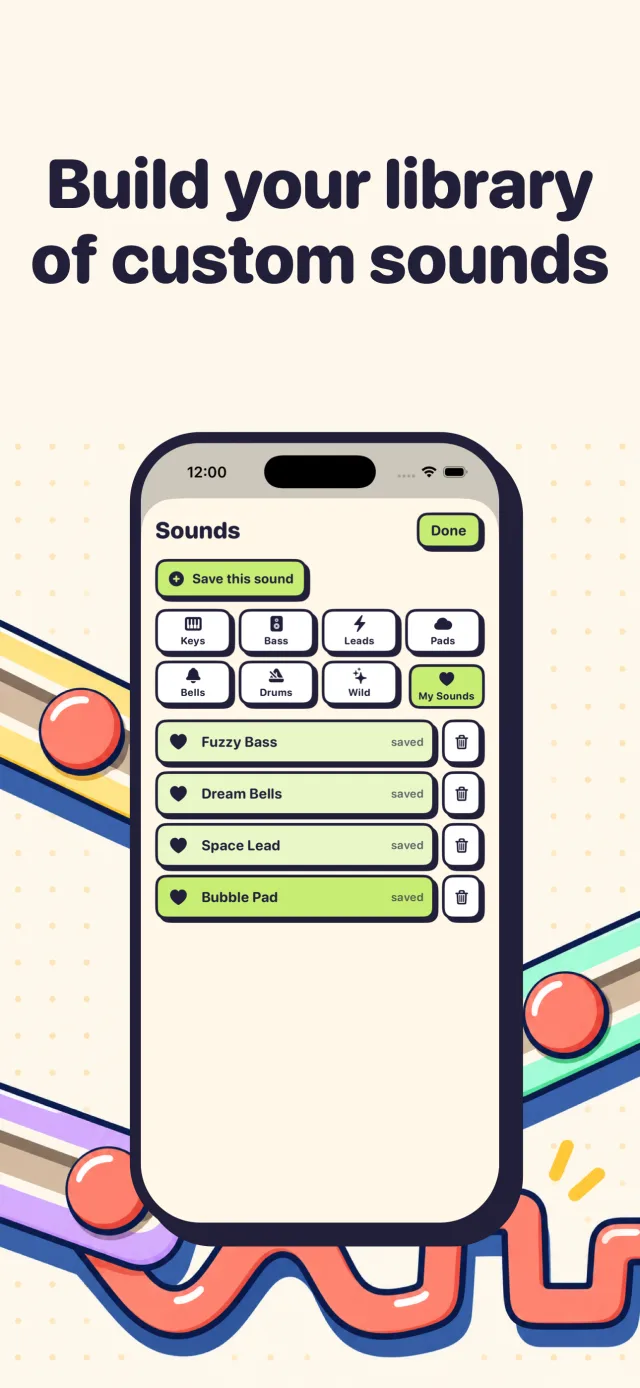
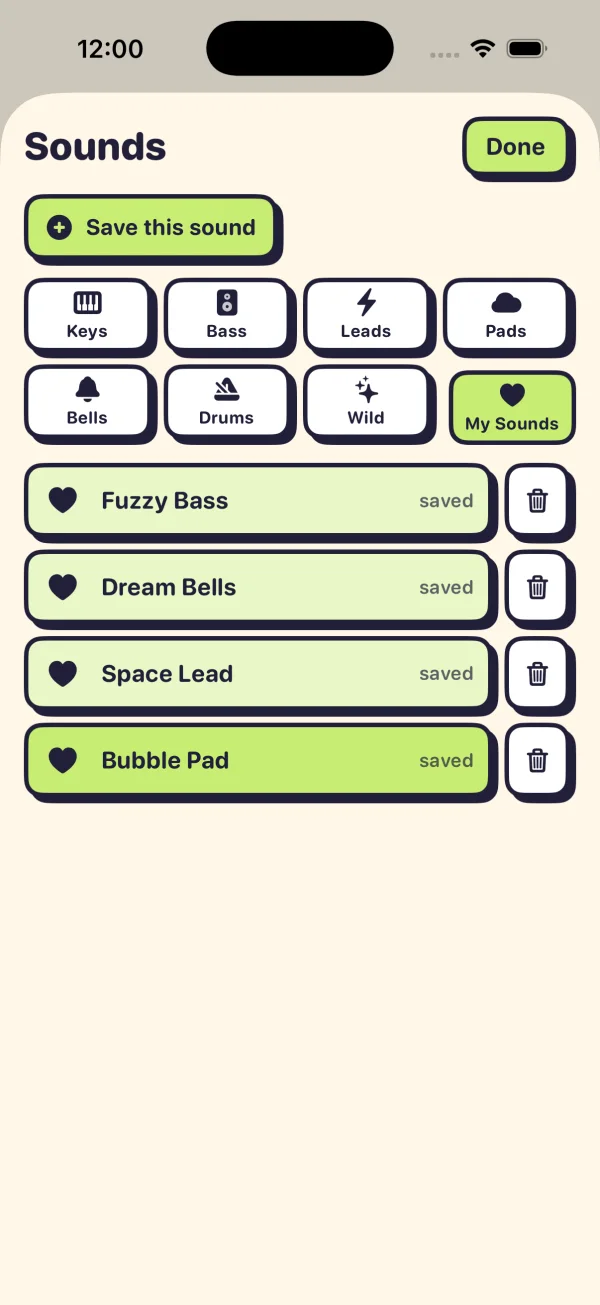
Keys, bass, leads, pads, bells, drums and a drawer of wild ones: an FM bell, a Juno-style pad, an acid bass, a theremin, a seagull. Every preset is a starting point. Move a slider and it becomes yours, then save it to My Sounds.
Or tap Init for a blank sine wave and build something from nothing, one page at a time. The dice button rolls a random sound when you want a surprise.
Pricing
Free to play. Pay once if you love it.
Free
$0
- Notes mode with all nine scales
- A few sounds in every category
- Every slider on every page
- Quick record and share
The full library
$4.99 once
- Chords mode with all seven chord types
- All 52 sounds
- The loop recorder with beats and eight layers
- Save your own sounds to My Sounds
No subscription, no ads, no account. Prices outside the US are set by Apple.
Questions
Is Gelato Synth free?
Yes. Notes mode with every scale, a few sounds in each category with every slider, and quick record are free for as long as you like. One $4.99 purchase opens the full library: chord buttons, every sound, the loop recorder, and saving your own sounds. There is no subscription.
Do I need to know music theory?
No. You pick a key and a scale and the pads only play notes from it, so any combination you press sounds right. The chord pads are labeled with Roman numerals and chord names, so you pick up the theory by playing.
Does it need the internet or an account?
No. Gelato Synth never connects to the internet. There is no account, no ads, and no analytics. Your sounds and recordings stay on your phone.
Where do my recordings go?
When you stop recording, the share sheet opens so you can AirDrop, message or save the file. Every recording is also saved in the Files app under On My iPhone, Gelato Synth, Recordings, as an .m4a file.
Can I use it with a computer or a mixer?
Plug a USB audio interface into your iPhone and iOS sends Gelato Synth's sound to it, so you can record it in any DAW or play it through a PA. You can also record in the app and AirDrop the file to your computer.
What kind of synth is it?
A two-oscillator FM synth with wavetable shapes, noise, an ADSR envelope with punch, a multimode filter with drive, one LFO, and echo and reverb. It is the same family of sound as the 80s FM keyboards, laid out so you can see what each part does.
Learn synthesis
Read while it downloads
15 Best Synth Apps for iPhone (Free and Paid)
15 synth apps that run on iPhone: free picks like GarageBand and Synth One J6, one-time buys like the Minimoog Model D, and which synths are iPad-only.
PARENTS7 Best Synths for Kids, From First Toys to a Real First Synth
The best synths for kids by age: Blipblox SK2 and Dato DUO from age 3, pocket synths under $100, the Yamaha reface CS for 8 and up, and an iPhone app.
IPHONE MUSIC8 Best FM Synth Apps for iPhone (DX7 Clones and Easy Ones)
Eight FM synth apps for iPhone with US prices: DX7 clones KQ Dixie 26 and M2DX, free King of FM and FM Essential, and two easier picks for beginners.
SOUND DESIGN9 Types of Synth Sounds: Bass, Lead, Pad, Pluck and More
Bass, lead, pad, pluck, keys, bell, arp, drone and FX: the nine types of synth sounds, what each does in a song, and starting settings for each.
SYNTH BASICSADSR Explained: Attack, Decay, Sustain, Release (With Settings)
What attack, decay, sustain and release do on a synth, why sustain is a level and release a time, plus ADSR settings for bass, pads and plucks.
SYNTH BASICSFilter Cutoff and Resonance Explained: How Synth Filters Work
What filter cutoff and resonance do on a synth, how low-pass, high-pass and band-pass differ, what drive adds, and five filter moves to try.